Firefox is the only browser on the Android operating system that allows the user to use extensions from their own storage. This makes testing the extensions easier for the developers and the users can use the extension stay like without the limitations from the developers. Add Bypass Paywall Clean extension with this neat trick.
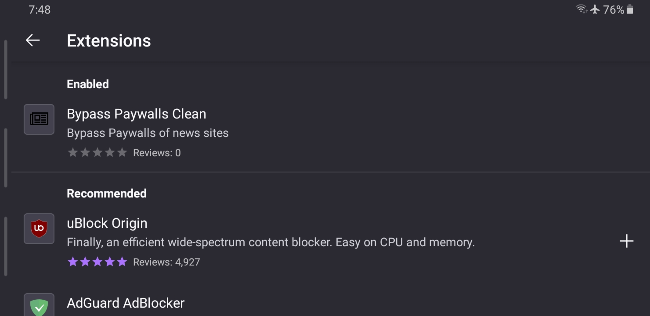
You’ll need to install the beta version of Firefox. Although the stable version of Firefox has a debug menu, it doesn’t allow custom add-on collection and the debug menu doesn’t enable add-ons installation from a file.
You need to enable developer settings. Go to the settings and then the about section. You need to tap on the Firefox logo for five times to enable additional debug menu. An option to install an extension from your own storage will appear in the settings section. It opens up a file selection activity. Navigate to the location of the XPI file and you can now install extensions that are compatible with the mobile Firefox.

Here’s a simplified breakdown of the steps to enable developer settings and install extensions on the Firefox app:
- Open Firefox App: Launch the Firefox application on your device.
- Access Settings: Go to the settings menu within the app.
- Enable Developer Settings:
- You need to tap on the Firefox logo five times. This action will unlock an additional debug menu.
- Find “Install extension with a file” option in Settings
- Install Extension:
- Look for the option to install an extension from your own storage.
- Tap on it to open a file selection dialog.
- Select XPI File: Navigate to the location where you have the extension’s XPI file.
- Install Extension: Select the file to install the compatible extension on mobile Firefox.