In a move that’s set to change native browsing experiences on iOS devices, uBlock Lite has finally made its way to Safari on iOS. This lightweight, powerful ad blocker is now available for everyone using iOS 18.6 or later, offering a simpler, faster way to surf the web without annoying ads and trackers. And the best part? You don’t need to switch to browsers like Brave or Orion from Kagi. uBlock Lite works seamlessly right within Safari.
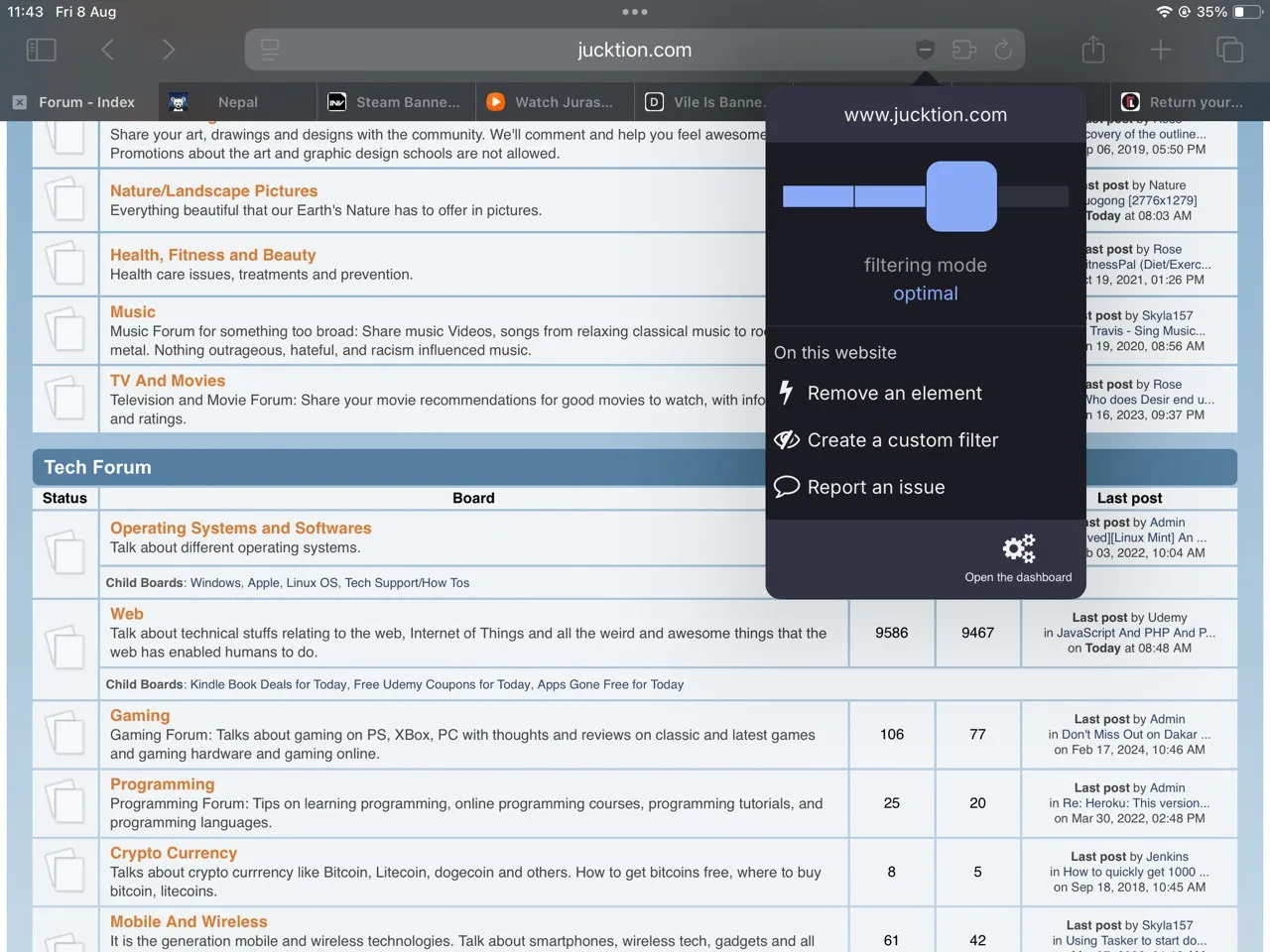
NOTE: You may install uBlock Lite on an older iOS version, but the fixes to the API required to make it functional only shipped in version 18.6.
While uBlock works to its fullest on Firefox’s Gecko engine, this is the next best thing for adblocking on other browsers and platforms. Brave is bloated with crypto, AI, VPN, media player and other nonessential things. You can turn them off if you’re not into those things, but they create a sense of uneasy. Orion browser is still just buggy, and its extension feature is not stable. I wouldn’t say Safari is straightforward because iOS hides its setting on the iOS settings panel instead of being accessible from the browser itself.
What’s So Special About uBlock Lite?
uBlock is light and efficient. Unlike other ad blockers that can slow down your browsing experience, uBlock runs smoothly in the background, blocking ads and trackers without draining your battery or using up too much memory. It’s perfect for anyone who wants a clean, uninterrupted browsing experience without the hassle of switching browsers.

One of the standout features of uBlock Lite is its simplicity. You don’t need to be a tech expert to use it. Once installed, it works automatically, blocking ads and trackers on websites so you can focus on what matters—reading articles, watching videos, or just browsing without interruptions.

I couldn’t find a way to add additional list for uBlock and this is why it is considered Lite.
Why couldn’t uBlock run on iOS before?
For years, iOS users have had to rely on third-party browsers like Brave or Orion to use powerful ad blockers. That’s because Apple’s strict rules for Safari extensions made it nearly impossible for developers to bring full-featured adblockers to the platform. There were also some bugs in the way declarativeNetRequest worked, which made uBlock ineffective. However, with the release of iOS 18.6, Apple opened up new possibilities, allowing extensions like uBlock Lite to run directly within Safari.
Previously, iOS users had limited content blocking options. These basic blockers lacked uBlock’s control and customization. Now with uBlock Lite, users can enjoy an efficient ad-blocking experience they love on desktop, right on their iPhones and iPads.
No need for alternative browsers
While browsers like Brave and Orion from Kagi offer great privacy features, they require users to leave Safari behind. For many, this isn’t an ideal solution. uBlock Lite changes that by bringing top-tier ad blocking directly to Safari, eliminating the need to switch browsers or deal with the extra setup.
This is a big win for users who prefer Safari’s familiar interface and seamless integration with other Apple features. With uBlock Lite, you get the best of both worlds—powerful ad blocking and the convenience of Safari.
Effective Adblocking on iOS
uBlock Lite on Safari marks a significant step forward for privacy and adblocking on iOS. It’s a testament of how far mobile browsing has come and a reminder that users shouldn’t have to compromise on their browsing experience.
Whether you’re tired of intrusive ads, concerned about online tracking, or just want a faster, cleaner web experience, uBlock Lite is here to help. And the best part? You don’t have to do anything extra—just install it and let it work its magic.
So, if you’re an iOS user running iOS 18.6 or later, give uBlock Lite a try. Your eyes (and your browser) will thank you.